Pixel art
Compare pixel-art-inspired landscapes, overhead terrain and isolated objects. Explore stepped edges, color clusters and reusable prompts, with grid limits explained.
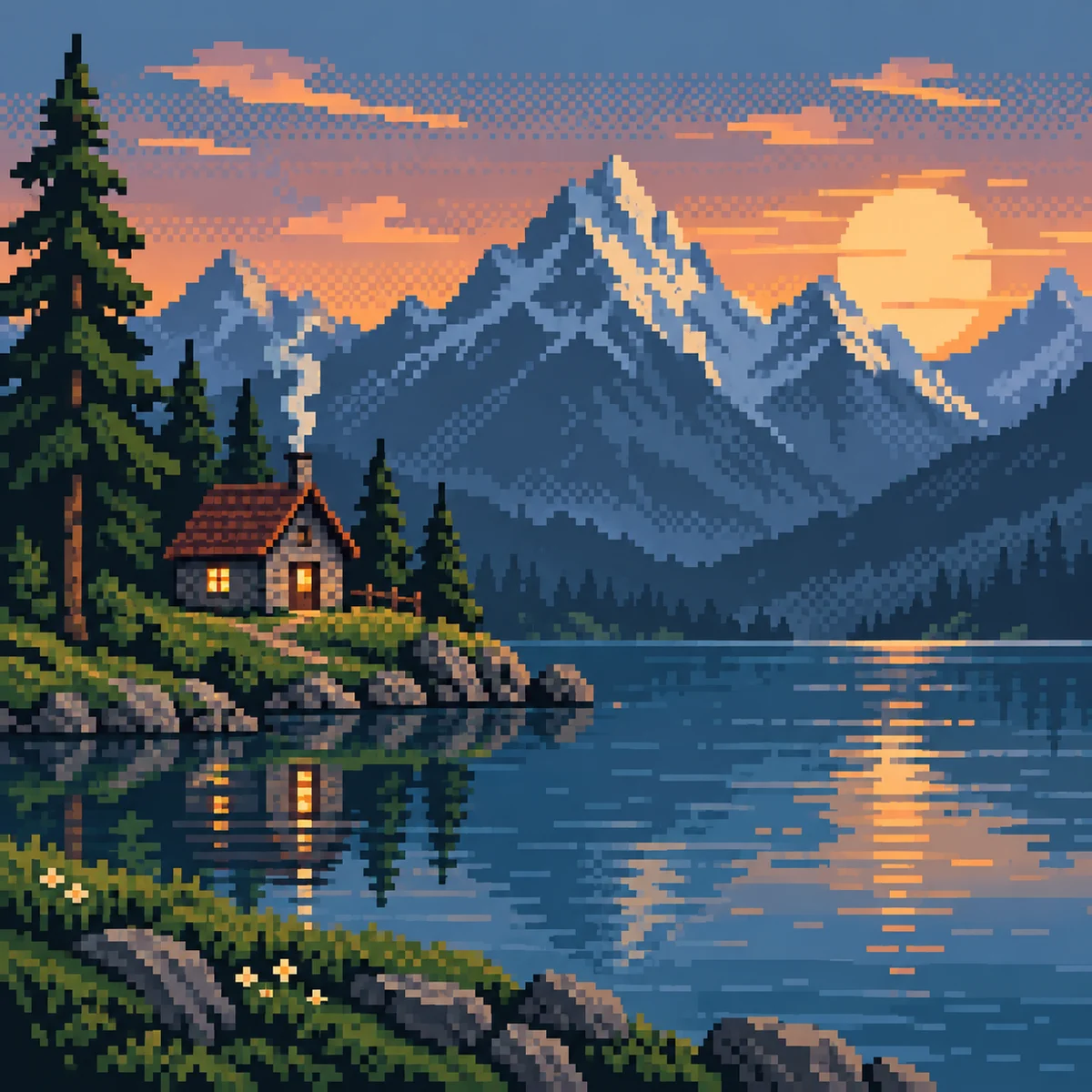
Pixel-art treatment with visible square-pixel clusters, a restrained palette, crisp stepped edges and deliberate dithering without smooth gradients.
A starting point: add your own subject or details in your image tool.
About this aesthetic and its examples
Compare more directions
Explore other approaches for this kind of project.
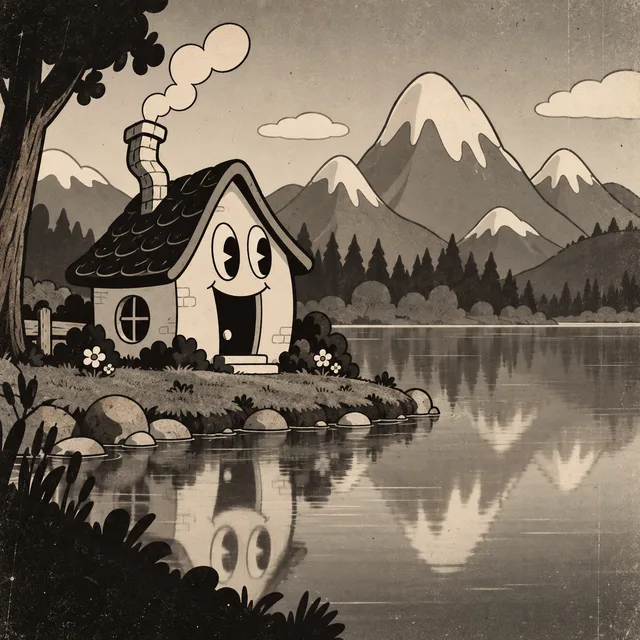
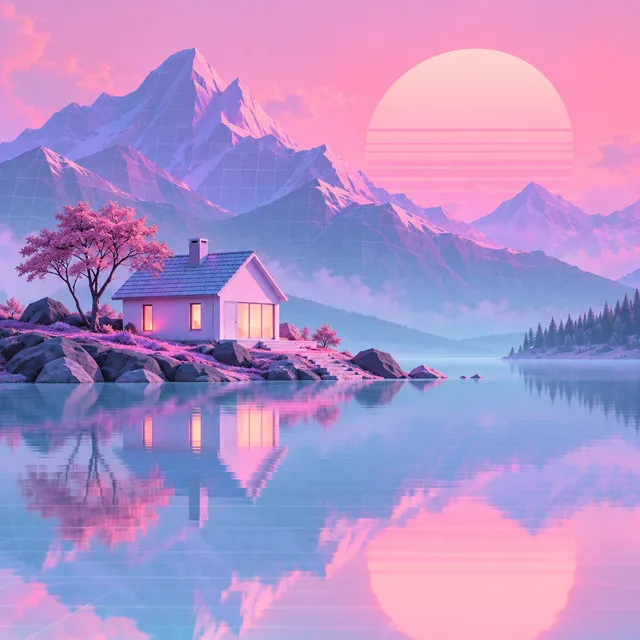
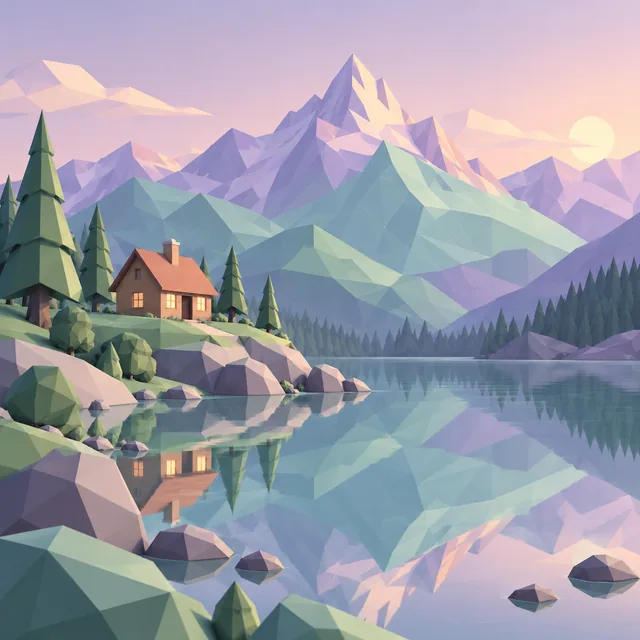
Look closer: traits and nearby styles →
About this example
This image may have used extra directions. The seed above is a reusable starting point and may produce a different result.
- Created with
- Codex image generation
- Model
- Not exposed by tool
- Generated
- 2026-09-26
View model alternatives · Compare results →
How to use this promptRead as Markdown
Choose what the pixels need to describe
Compare a distant view, an overhead layout and isolated silhouettes. These AI interpretations help explore composition; inspect the pixel grid before using a result as a game asset.
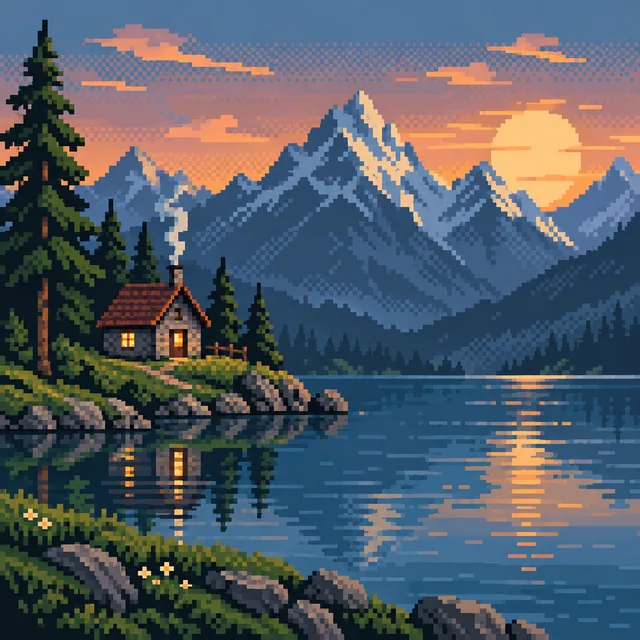
Depth and atmosphere
Follow the horizon, then compare how small clusters keep distant forms readable.
Explore example →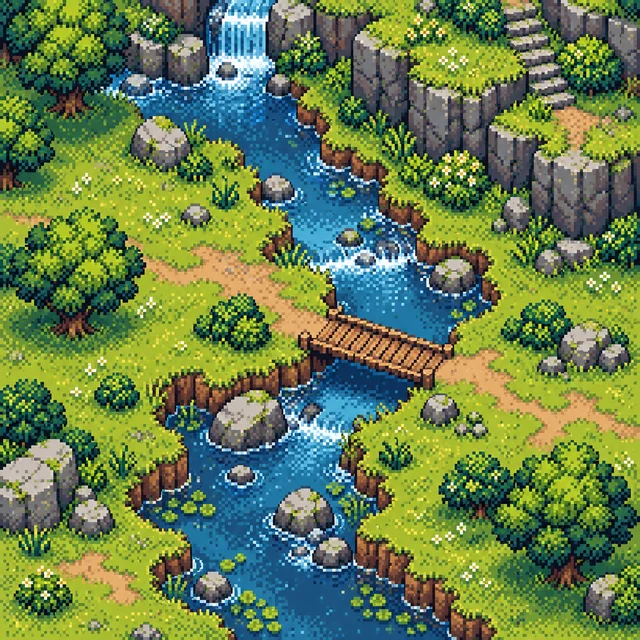
Terrain and paths
Look down onto the stream and bridge. Compare connected ground shapes rather than a distant horizon.
Explore example →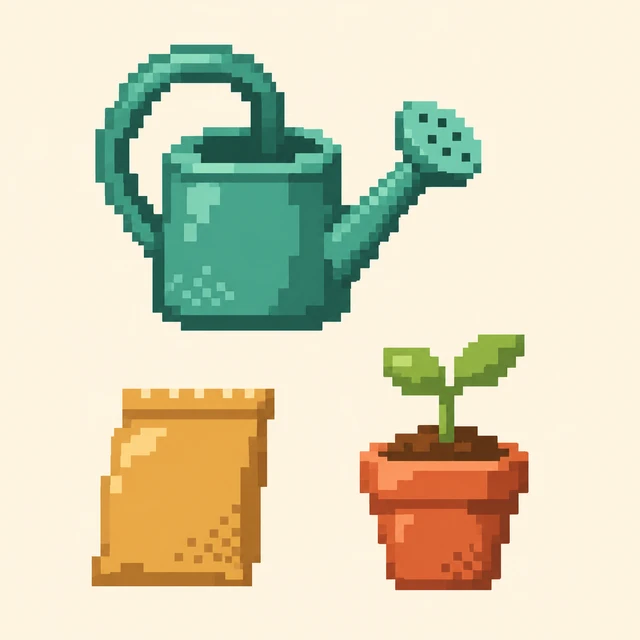
Compact object silhouettes
Inspect the handle, spout and leaves. Stepped outlines coexist with softer interior shading in this pixel-inspired study.
Explore example →Try one change
Keep the subject fixed and change one choice: fewer palette colors, larger shading clusters or less dithering. Check consistent pixel size and silhouette readability at the intended display size.
Pixels placed in deliberate clusters
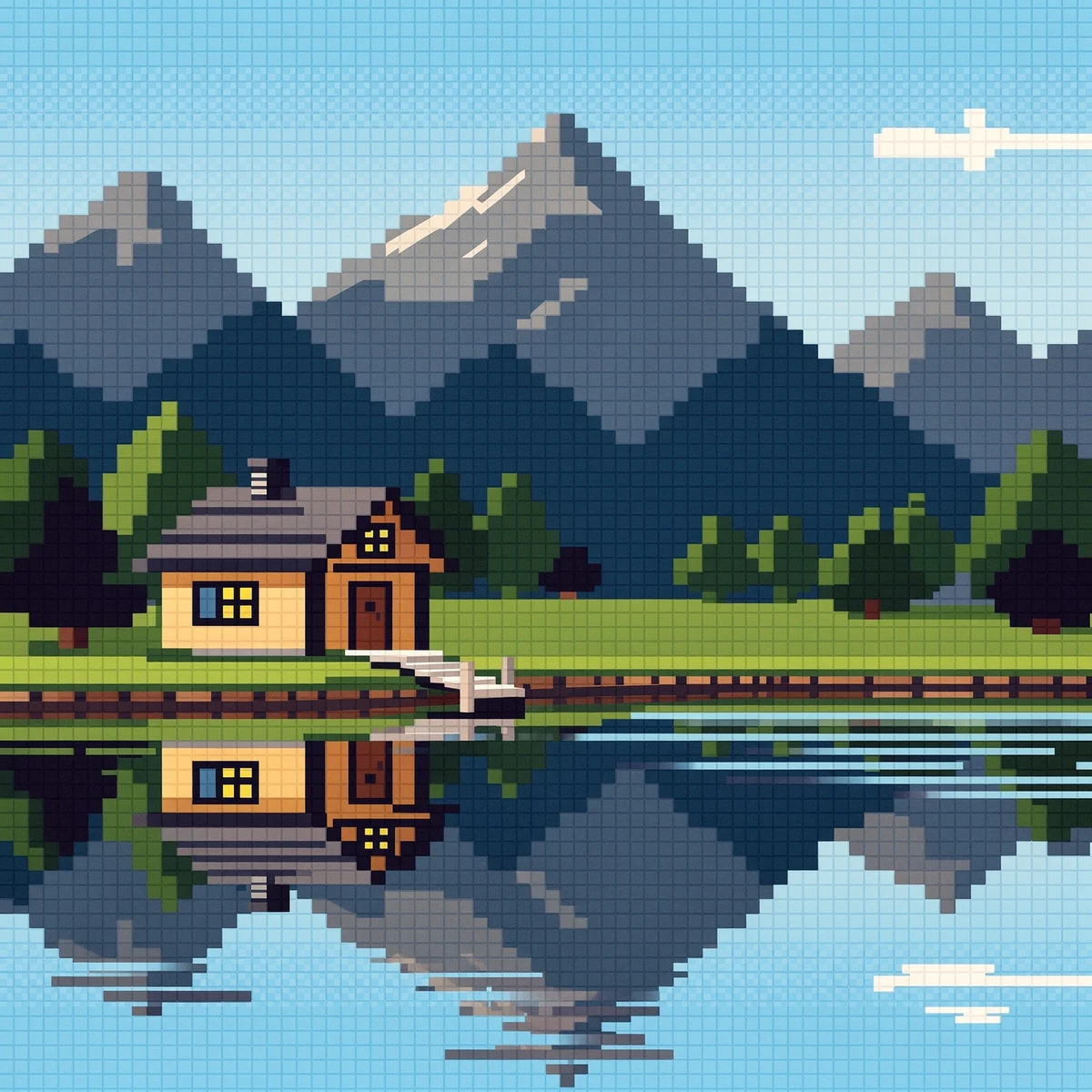
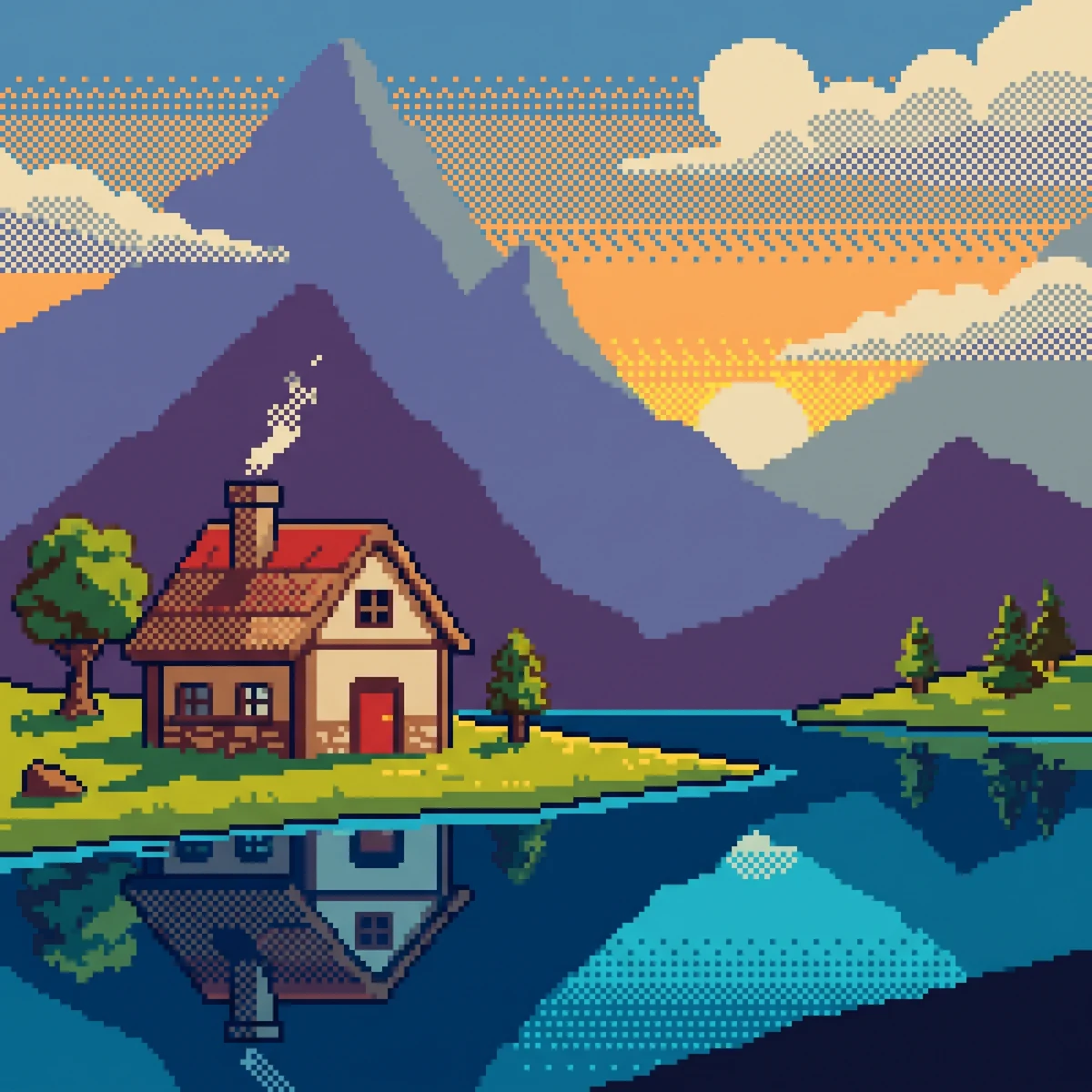
Crisp stepped edges, limited colors and small clusters of shading make the landscape readable at low resolution. Dithering uses neighboring pixels to suggest texture or a color transition without a smooth gradient.
Compare the provider examples for the same landscape direction: inspect stepped edges, small clusters of shading and the readability of distant shapes. A pleasing image can still contain inconsistent pixel sizes; treat it as a concept until its grid and palette have been checked.
Choose the horizon landscape when depth and a distant view matter. Open the overhead stream-and-bridge study to compare ground shapes, water boundaries and the arrangement of terrain. These are two compositions within Pixel art, rather than separate aesthetics.
The garden objects isolate a watering can, seed packet and seedling on a quiet ground. Compare how the handle, spout and leaves remain readable as stepped silhouettes. Softer shading inside the shapes makes this a pixel-art-inspired study rather than evidence of a strict low-resolution grid.
The overhead variation is generated visual inspiration: its indexed palette, integer pixel grid and seamless edges have not been validated. A playable tileset also needs consistent dimensions, matching edges and tested layouts. Compare the early Macintosh example for a different, one-bit interface treatment.
Look closer at Pixel art
Compare pixel-art-inspired landscapes, overhead terrain and isolated objects. Explore stepped edges, color clusters and reusable prompts, with grid limits explained.
In the original generated example: A cozy cabin, blue lake, and stepped mountain silhouettes built from visible square pixels beneath a dithered sunset. Notice which details catch your eye before deciding whether the whole style is for you.
Explore across projects: A little time travel · Permission to play
Ask yourself: is it the palette, the surface, the shapes, or the subject you like? Save a favorite and use the visual taste guide to find a useful next direction.
One aesthetic · Different interpretations
Pixel art
Compare the scale of the house, stepped silhouettes and checkerboard-like dithering. The Gemini example brings the cottage forward; inspect pixel consistency before adapting any result as a game asset.
Each image uses the same example prompt. Compare the details you’d carry into your own image.