Liquid glass
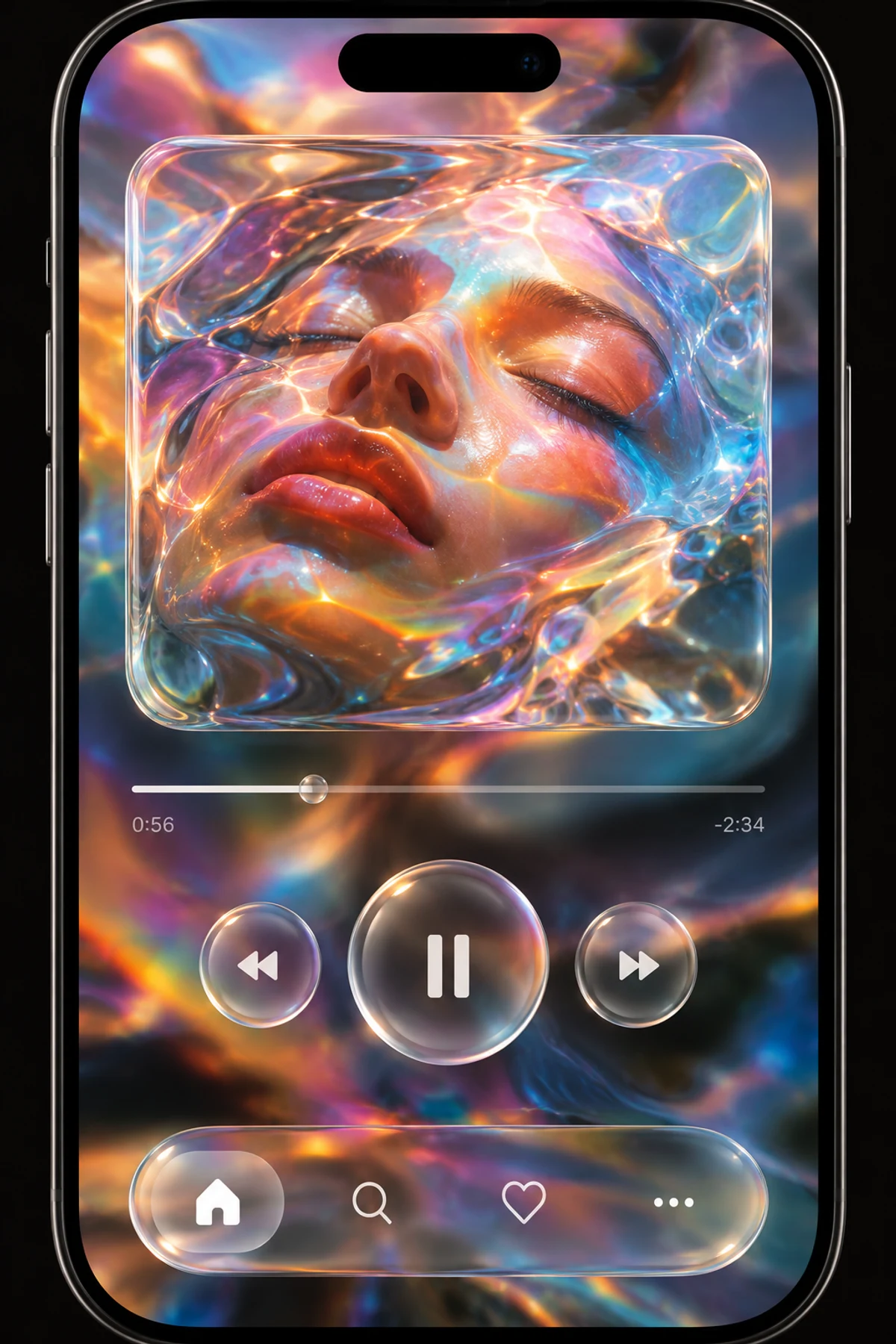
Transparent floating controls use bright refractive rims, glossy highlights, and background distortion for a liquid-glass-inspired interface.
Make
Liquid glass-inspired interface treatment with transparent layers, refractive curved edges, specular highlights, localized background distortion and clear visual hierarchy.
A starting point: add your own subject or details in your image tool.
Paste into an image tool to explore a visual direction for a fictional app.
One generated visual concept. Text and symbols are illustrative; controls, contrast, accessibility, and behavior have not been implemented or tested. This still image does not demonstrate dynamic Liquid Glass behavior or platform compliance.
About this aesthetic and its examples
Compare more directions
Explore other approaches for this kind of project.
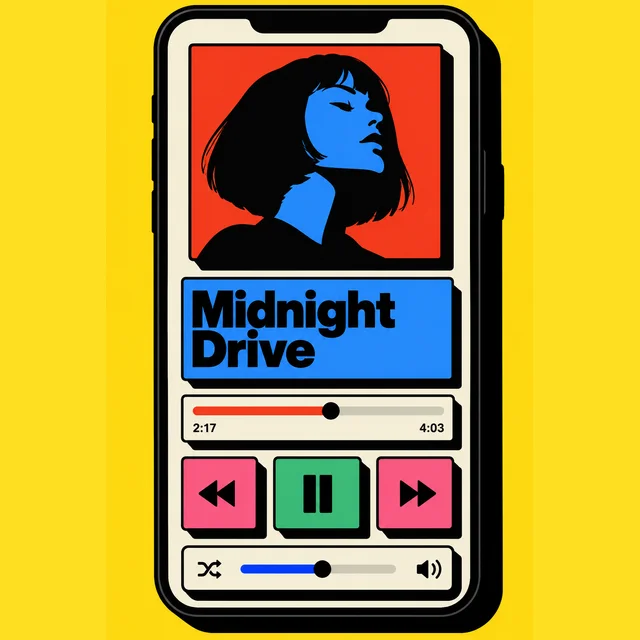
Look closer: traits and nearby styles →
About this example
This image may have used extra directions. The seed above is a reusable starting point and may produce a different result.
- Created with
- Built-in image generation (image_gen__imagegen)
- Model
- Not exposed by tool
- Generated
- 2026-10-10
View model alternatives · Compare results →
How to use this promptRead as Markdown
Refraction, beyond background blur
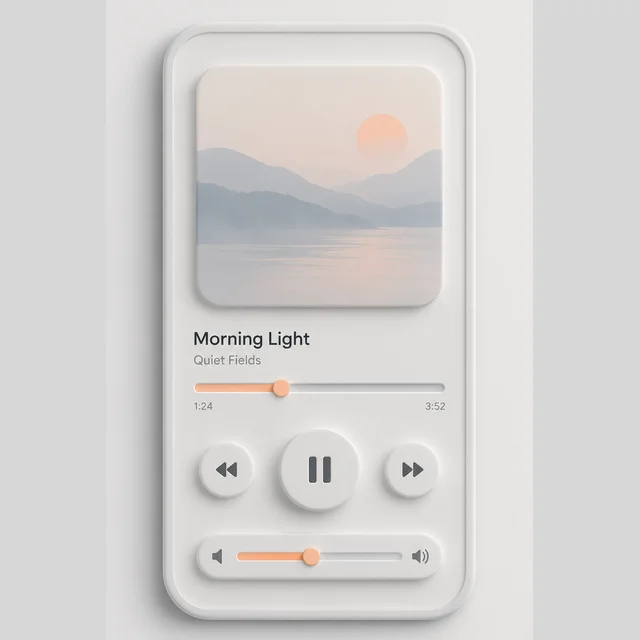
The split-stage media study separates a dominant playback panel from smaller side-control islands. Compare the thick refractive rims and the quieter control areas, then ask whether the secondary controls still feel related to the main panel. The fictional title and times are visual content, not live data.
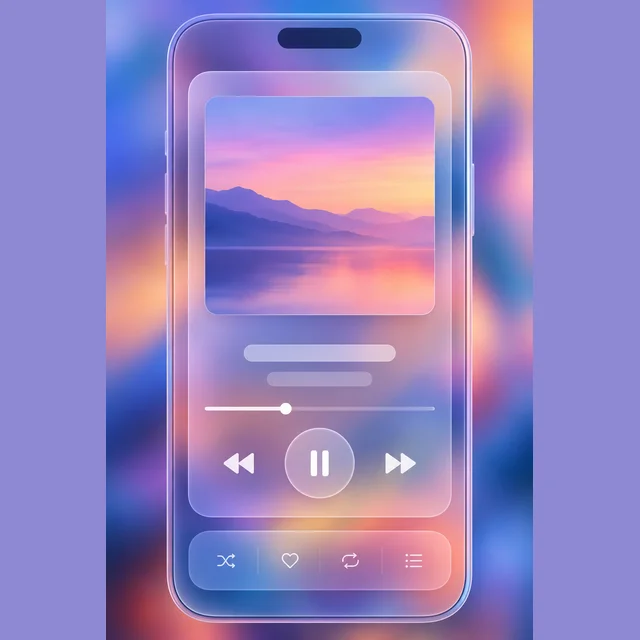
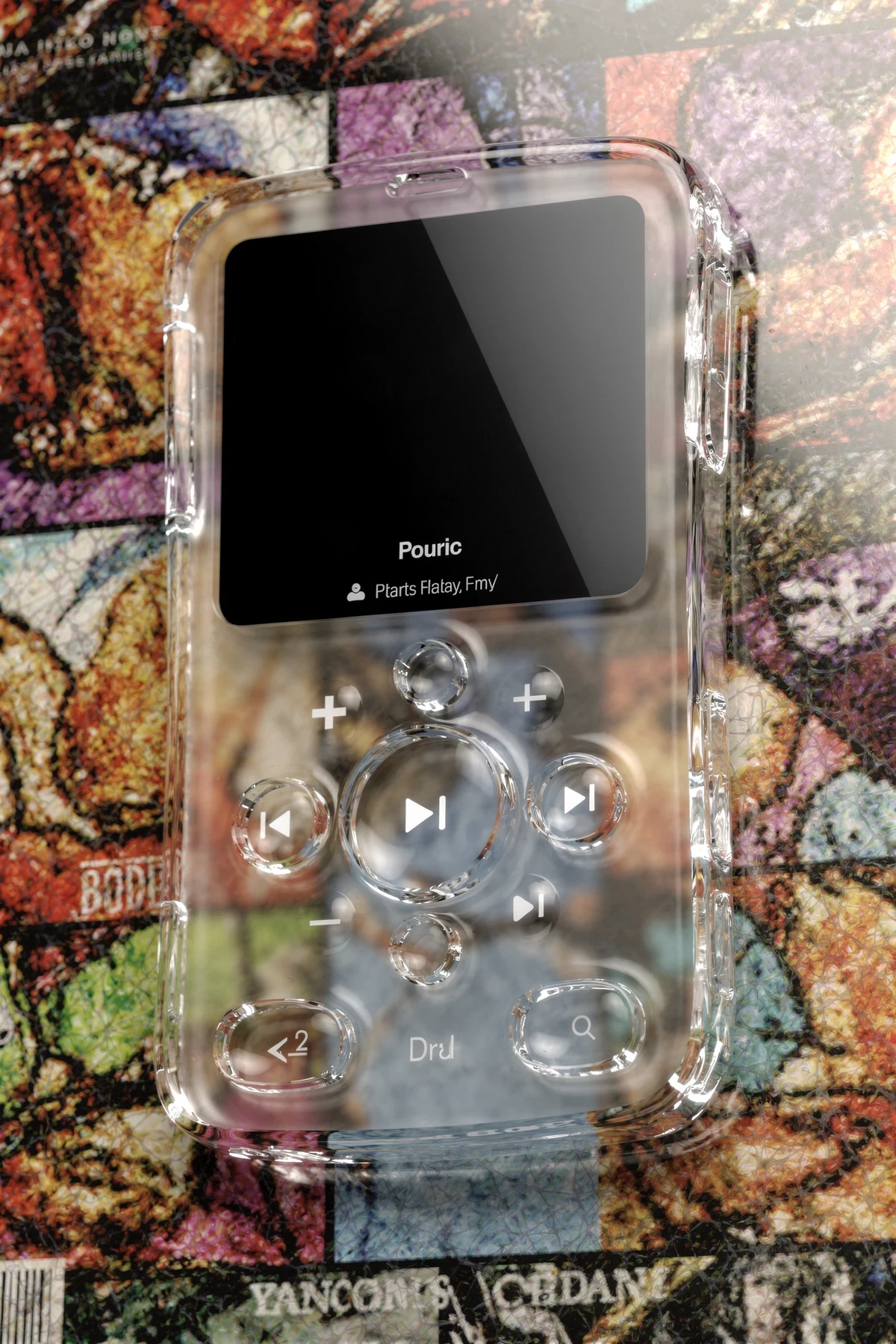
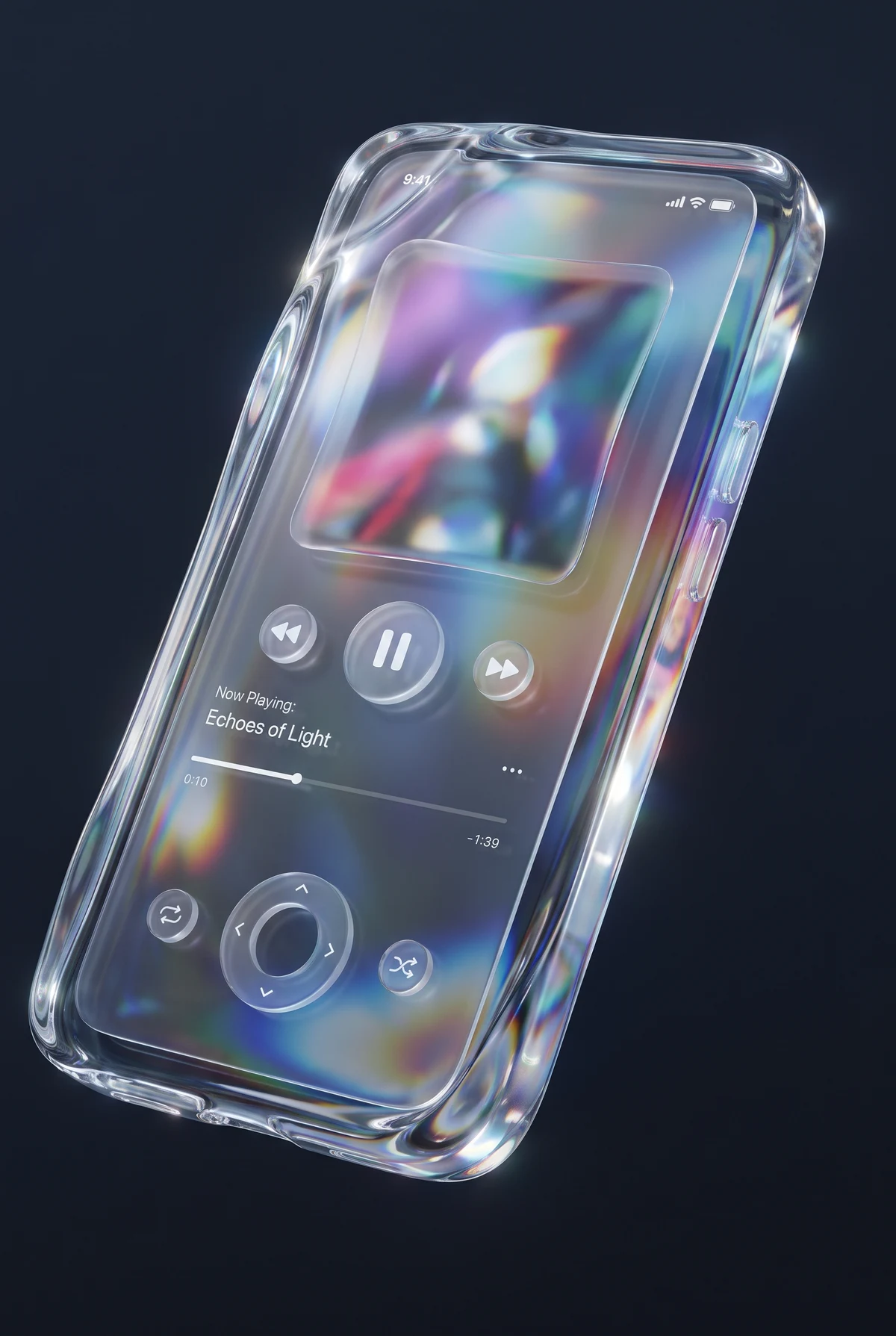
Bright curved rims, glossy highlights and distorted background details make the controls seem refractive. Glassmorphism more often suggests frosted transparency and blur; compare the edge and background treatment rather than calling every translucent card liquid glass.
These interface images are concepts. None demonstrates moving refraction, working controls, platform compliance or accessible contrast over changing content.
Look closer at Liquid glass
Transparent floating controls use bright refractive rims, glossy highlights, and background distortion for a liquid-glass-inspired interface.
In the original generated example: A mobile music player with colorful portrait artwork, glossy transparent playback buttons, and a floating glass navigation bar. Notice which details catch your eye before deciding whether the whole style is for you.
Explore across projects: Tomorrow feels like this
Ask yourself: is it the palette, the surface, the shapes, or the subject you like? Save a favorite and use the visual taste guide to find a useful next direction.
One aesthetic · Different interpretations
Liquid glass
Refraction, transparent controls, icon clarity and interface hierarchy.
Each image uses the same example prompt. Compare the details you’d carry into your own image.
Explore a coded SVG interpretation · Anthropic Claude
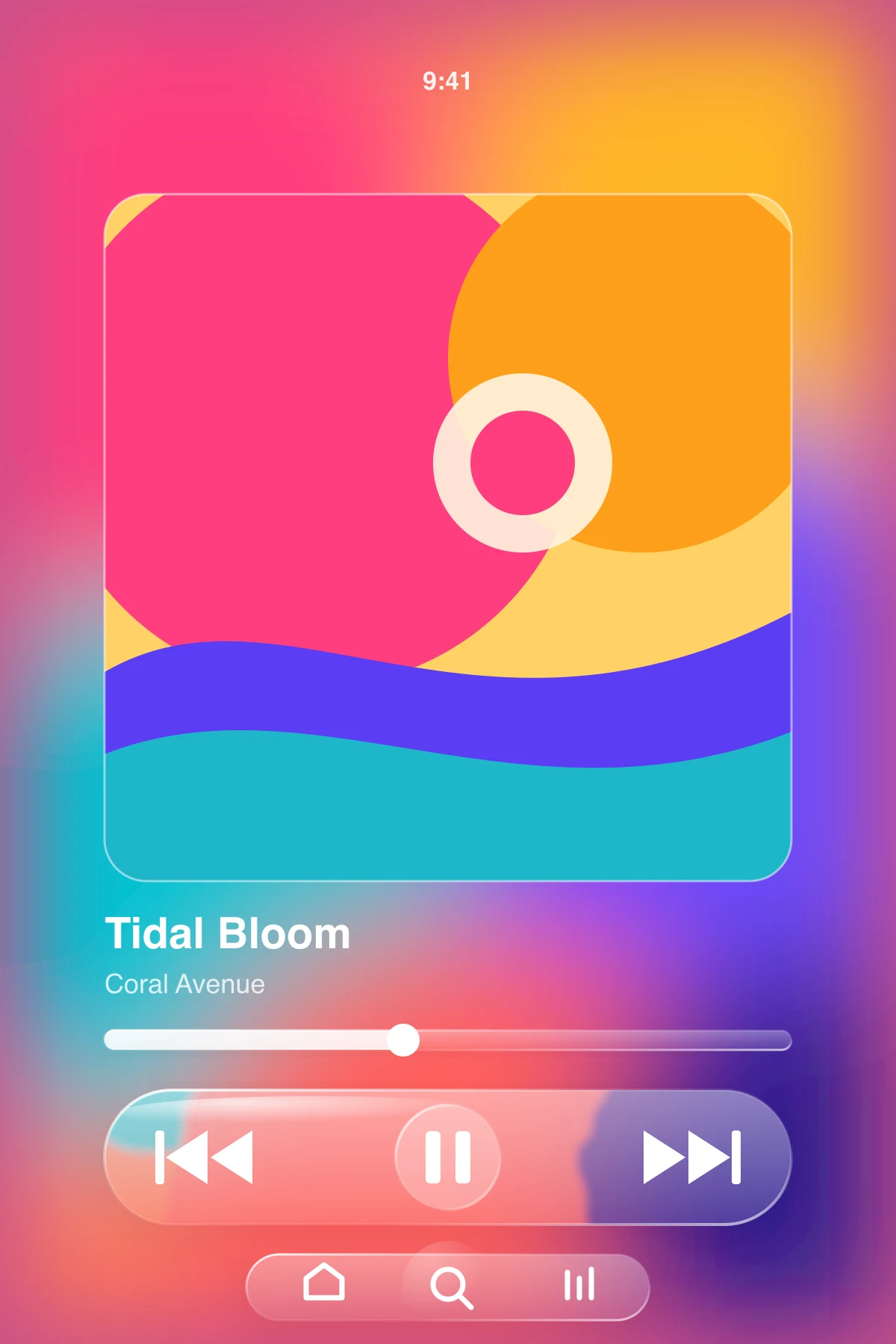
This illustration was written as SVG code from the same prompt. Compare its shapes and arrangement as a different visual medium.